Esta página aún no está traducida al español, así que estás leyendo la versión en inglés.
Coaches in the app
The club's coach list, what a coach profile shows, and why some coaches show only a name.
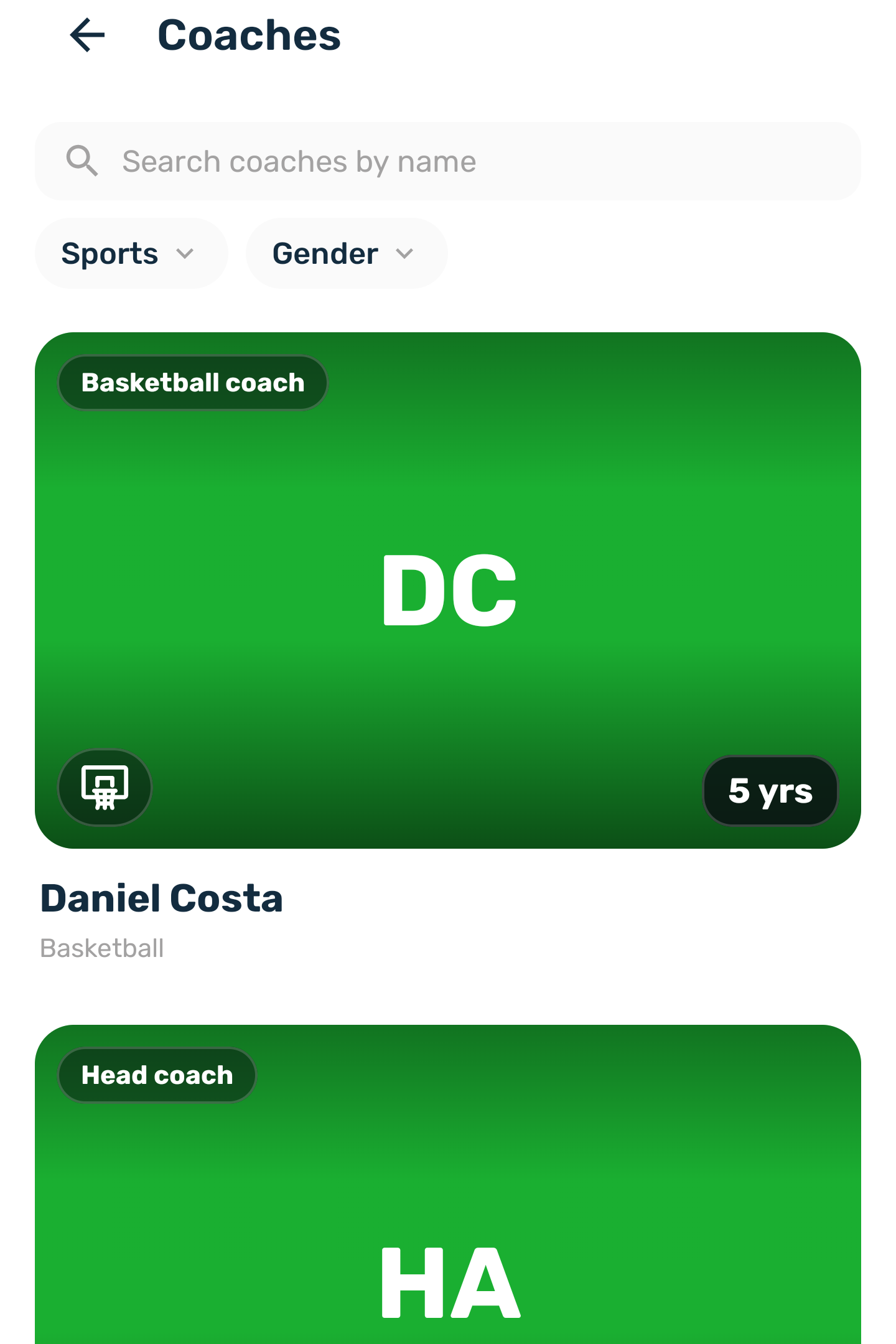
When the club runs the Coach service, the app lists its active coaches, public coaches first. Open it from the Coaches button on Home or at the top of Classes.
The list#
- Search by name, in any language.
- Filter by sport and gender. These filters only find public coaches.
- Each coach is a card with their cover or photo, tier, sports and years of experience, then the name and sports.
A coach profile#
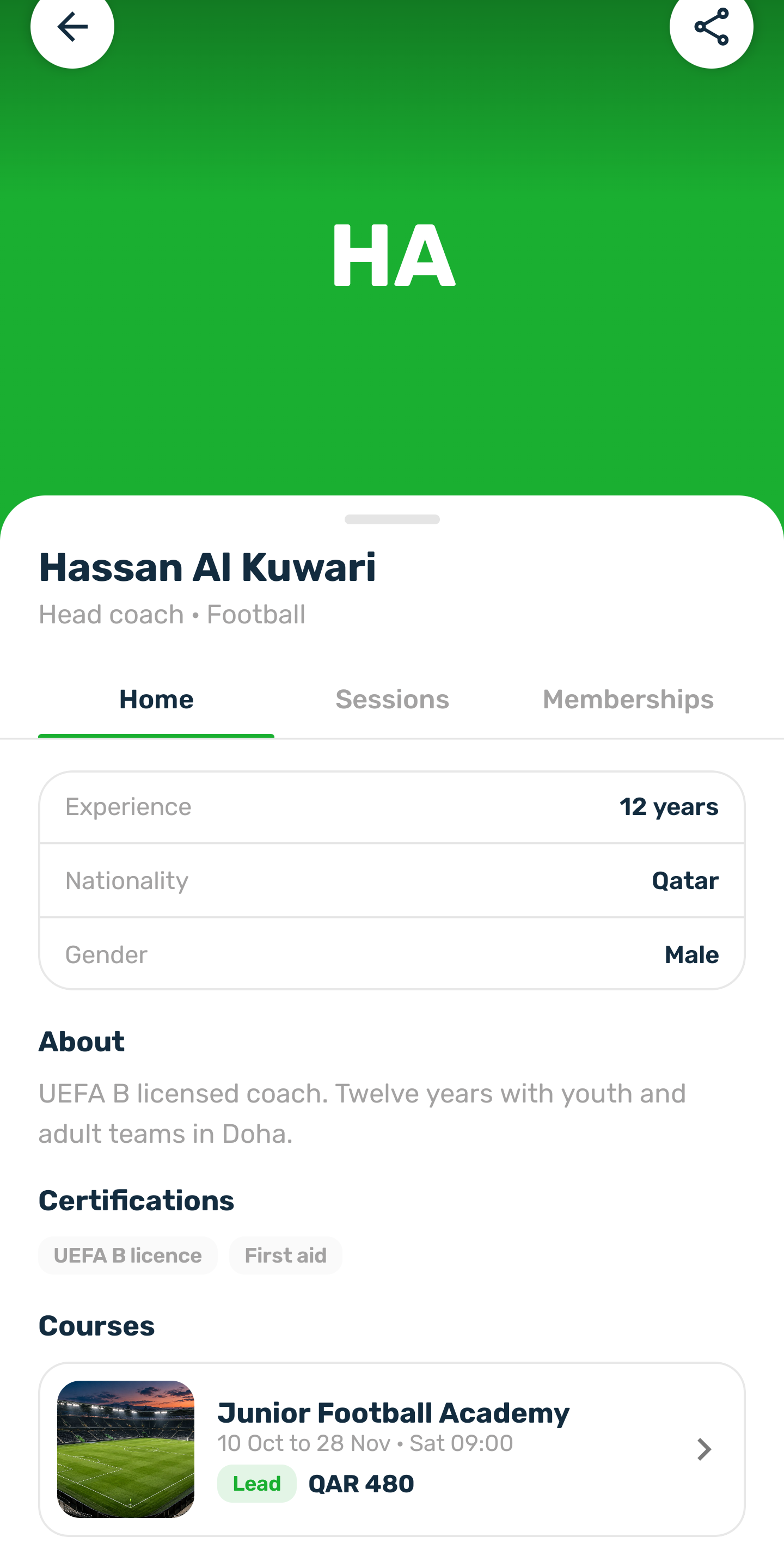
The profile has the coach's cover at the top, then the name and tier, and these tabs:
- Home: years of experience, nationality, gender, languages, bio, certifications and the courses they run.
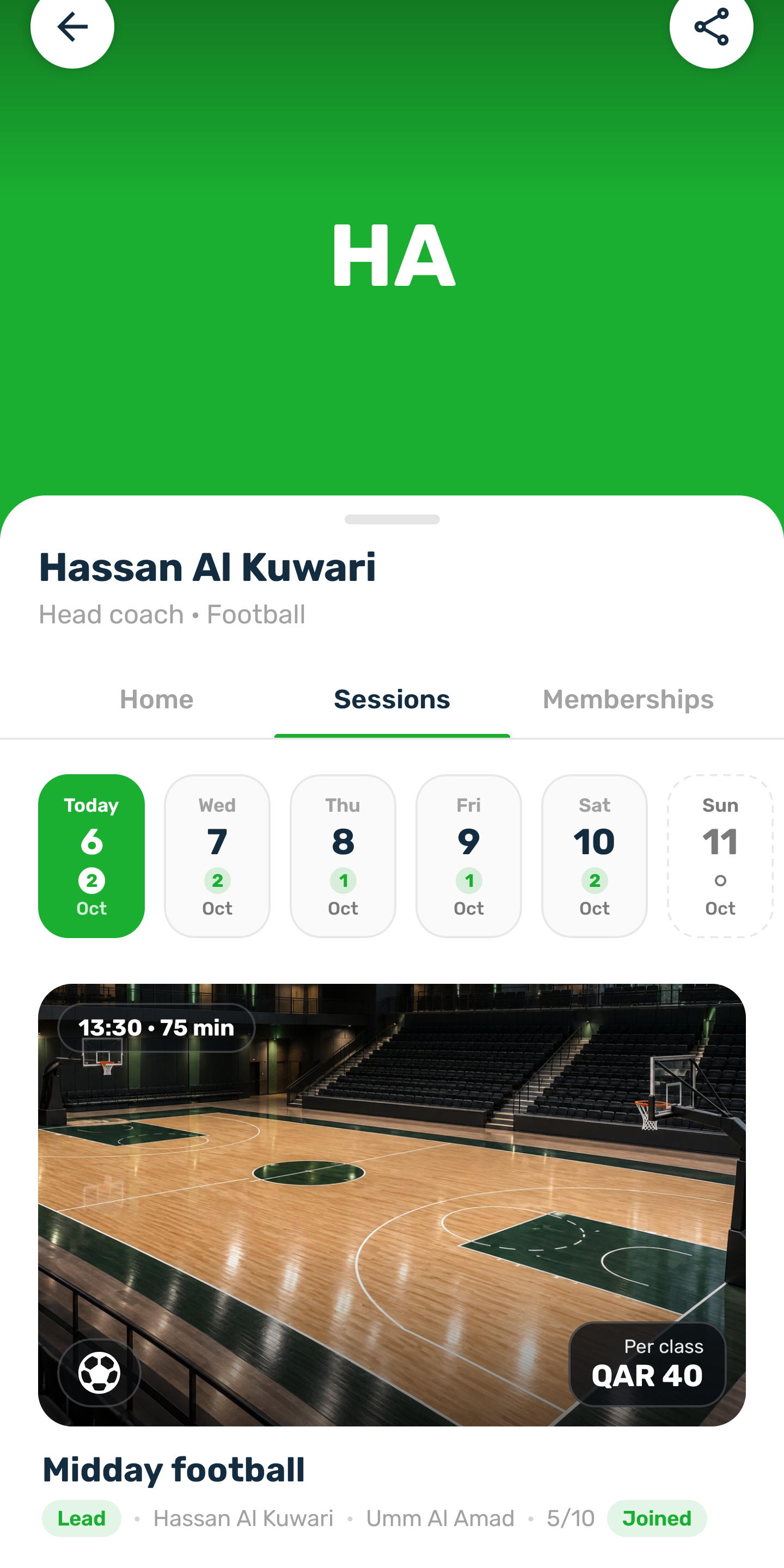
- Sessions: the coach's upcoming classes, with the same sport button and day strip as Classes. Each class shows whether the coach leads it or assists.
- Memberships: the membership plans that offer this coach, with the plan price and the coach's monthly price. Tap one to open the club.
Ratings#
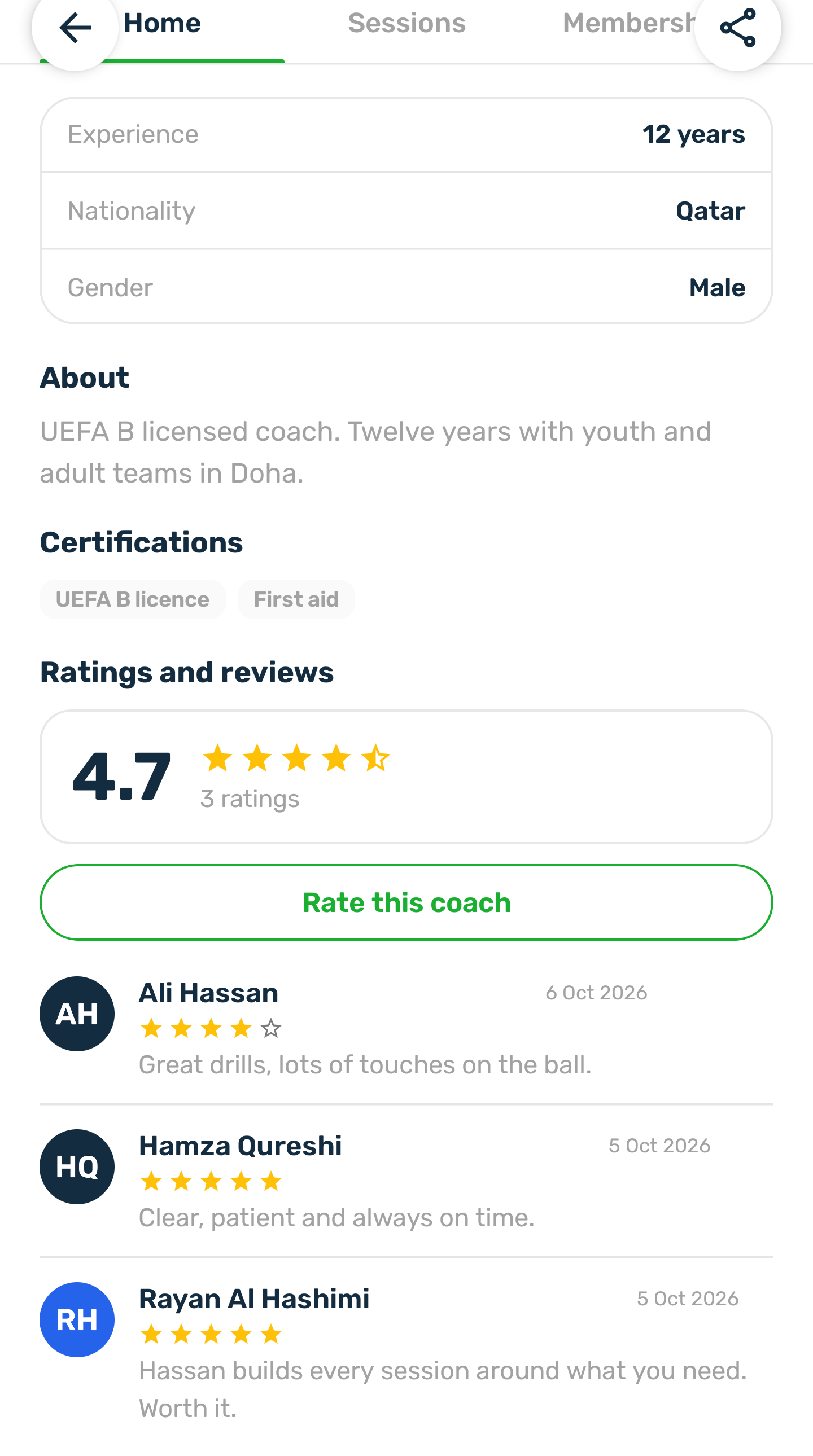
A public coach shows their rating and the latest reviews on the Home tab. Players can rate a coach once the coach has trained them: in a class, on a course, or as their membership coach. A private coach has no rating.
Private coaches#
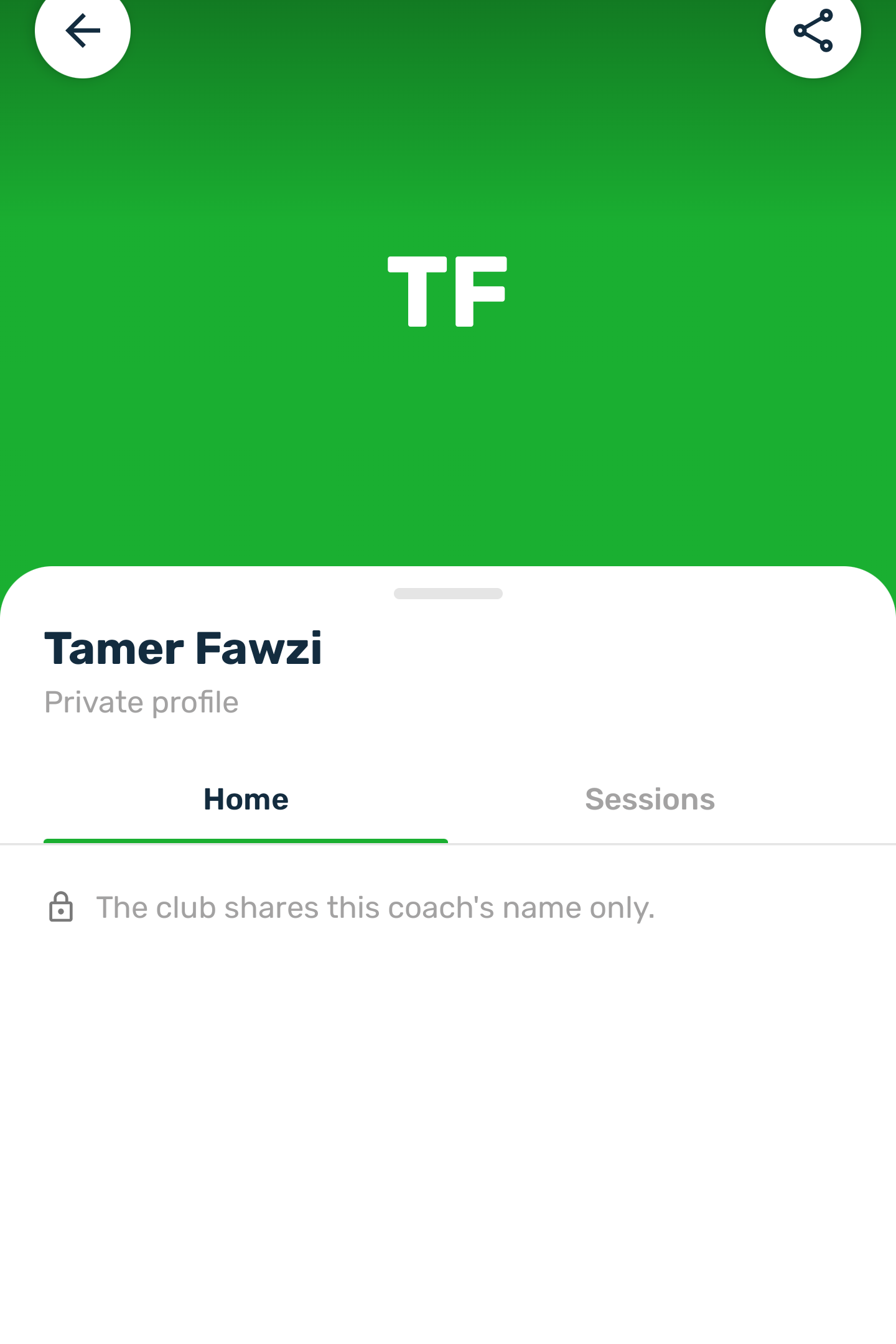
Some clubs keep a coach private. You then see only the coach's name, with initials in place of a photo, and the classes they teach. Their classes still show their name.