
Cette page n’est pas encore traduite en français. Vous lisez la version anglaise.
Find and join classes and courses
Where classes and courses appear in the app, how to narrow the list, and how joining and paying work.
The club's classes and courses appear in three places in the app:
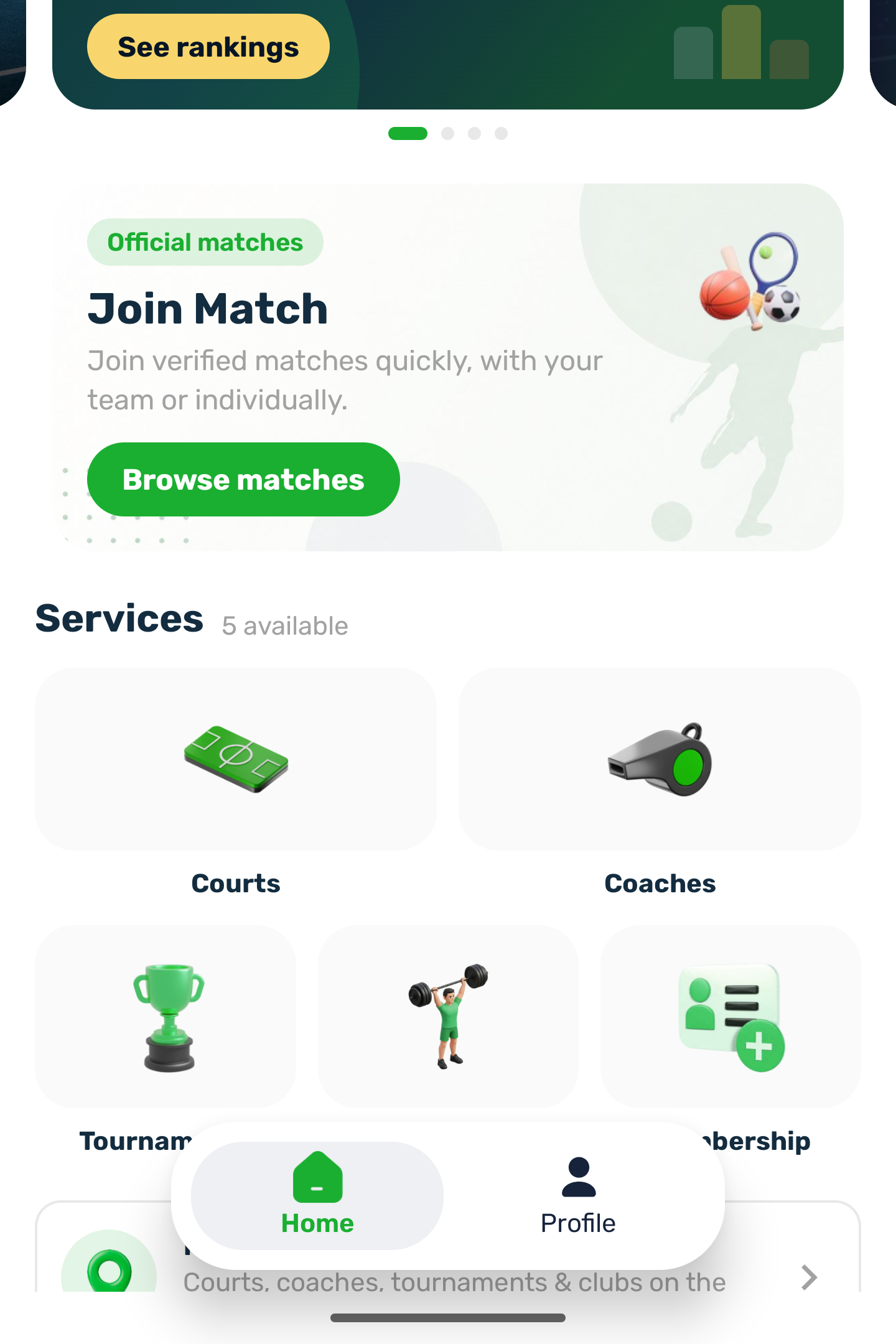
- The Classes service: every class and course of the club in one place, from every court that teaches and from the club's own venues. It is laid out like Courts.
- A court's Sessions tab: the classes and courses on that court.
- A club's Sessions tab in Memberships: that club's classes day by day.
Classes#
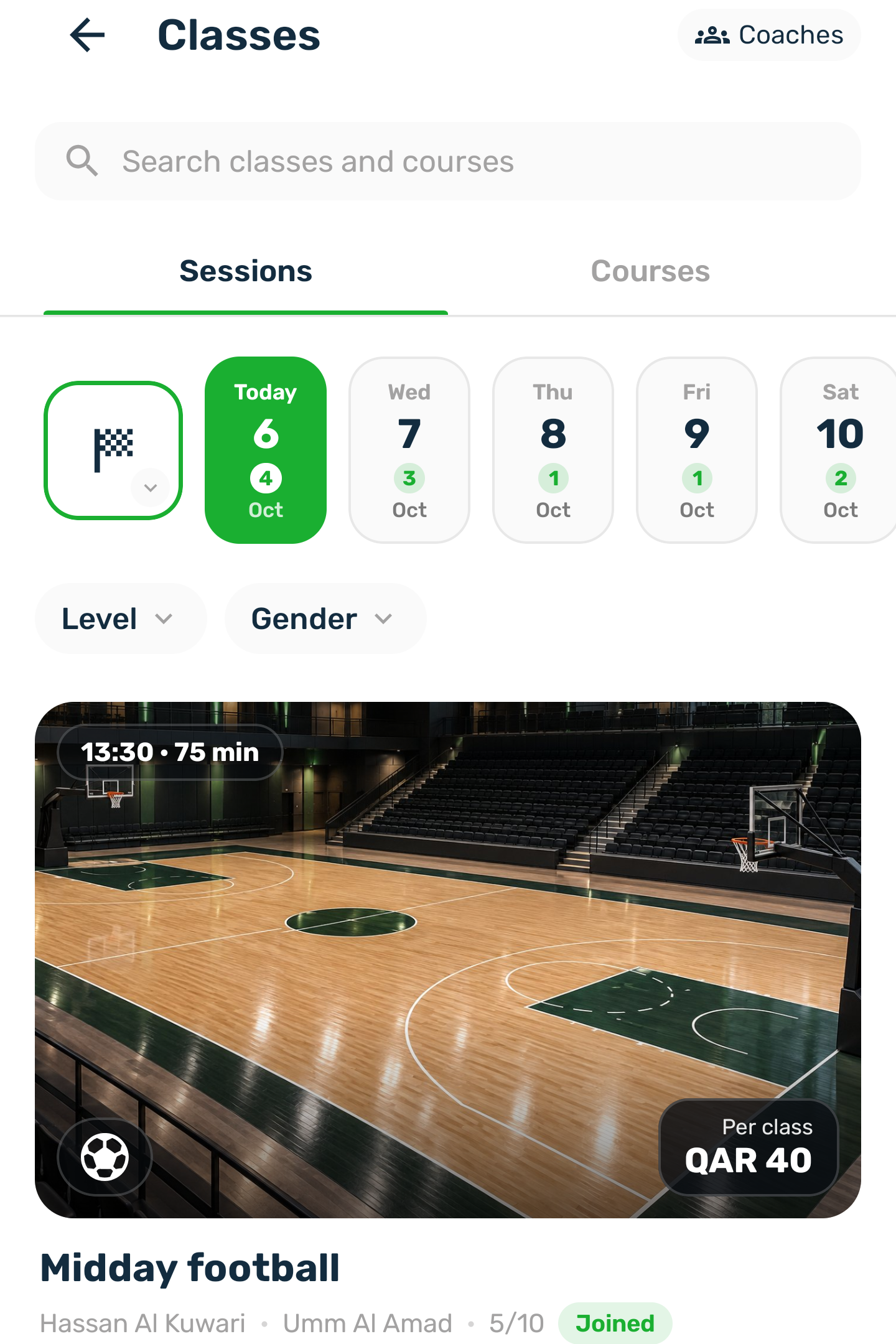
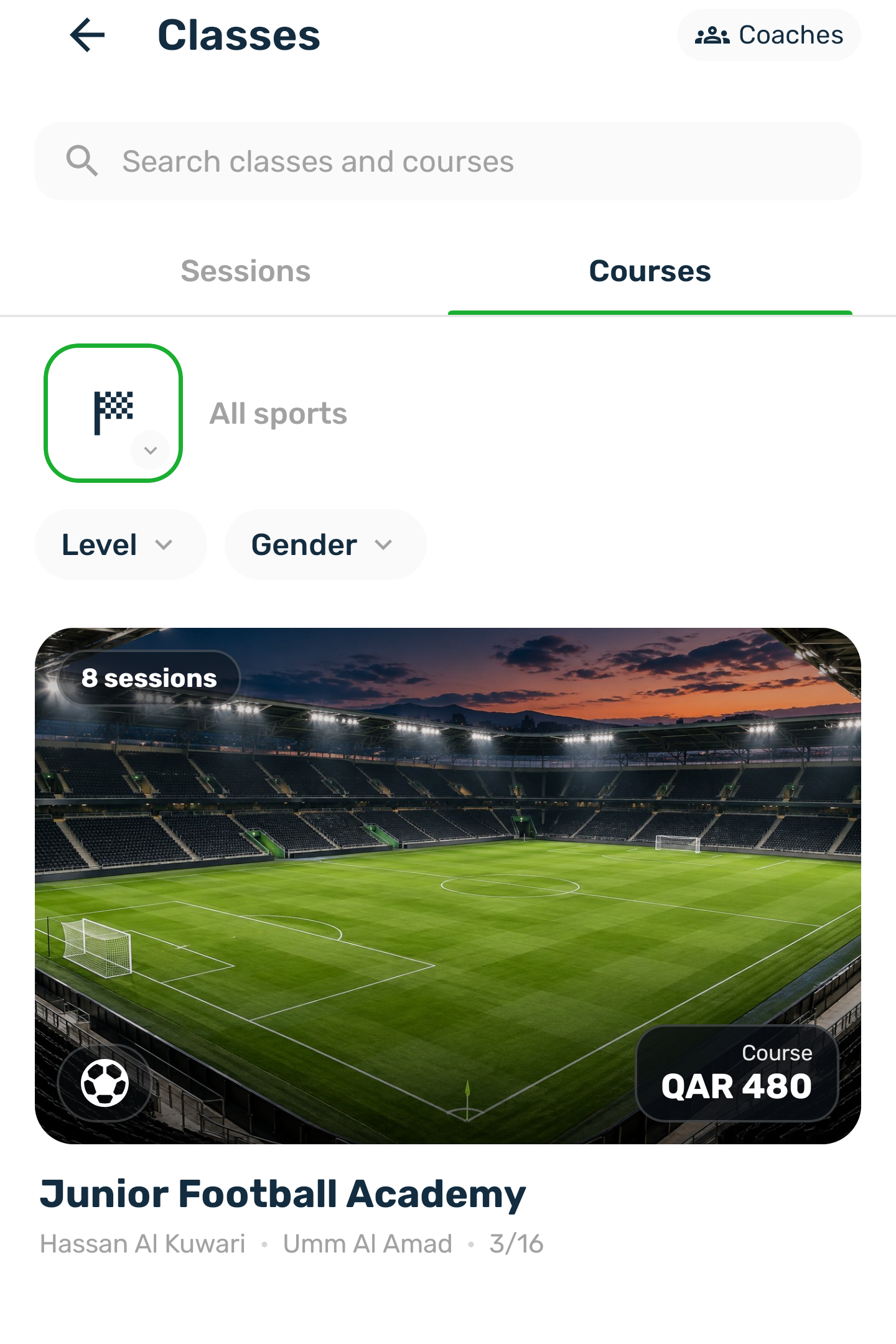
The screen has a search box and two tabs, Sessions and Courses. The Coaches button at the top opens the club's coaches.
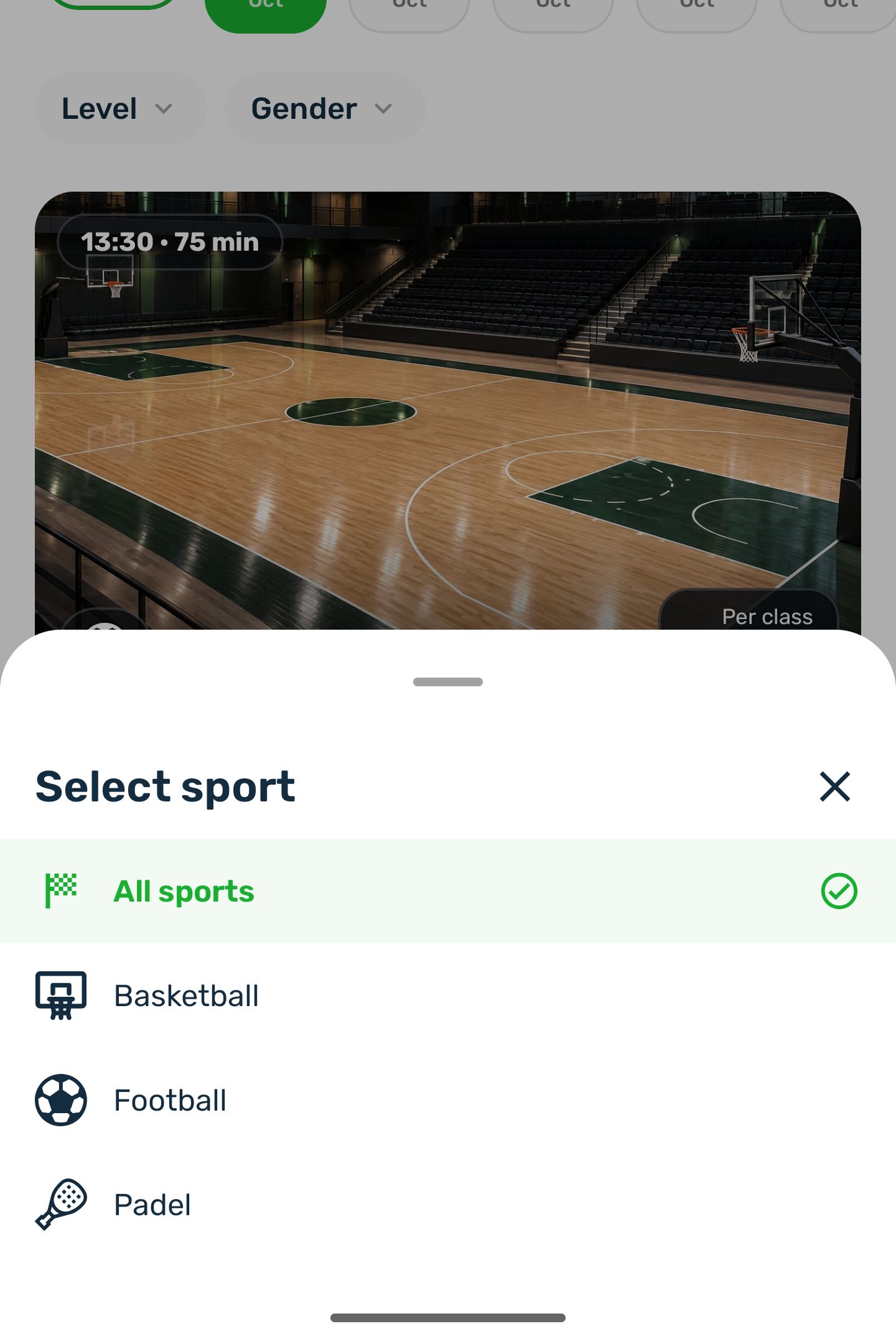
- The sport button next to the day strip shows only the sports that have classes. Pick one, or All sports.
- The day strip covers the next 14 days. Each day shows how many classes it has; a day with none is dimmed.
- Level and Who can join narrow the list further, when the classes have them.
- Each class is a card with its picture or video, the start time and length, the sport and the price. Under it: the name, the coach, the venue and the seats taken, with Joined, Full or a few places left when it applies.
Courses#
The Courses tab lists courses that have not finished, with how many sessions they hold and the price of the whole course. A course is bought once and covers all its sessions.
A class or course#
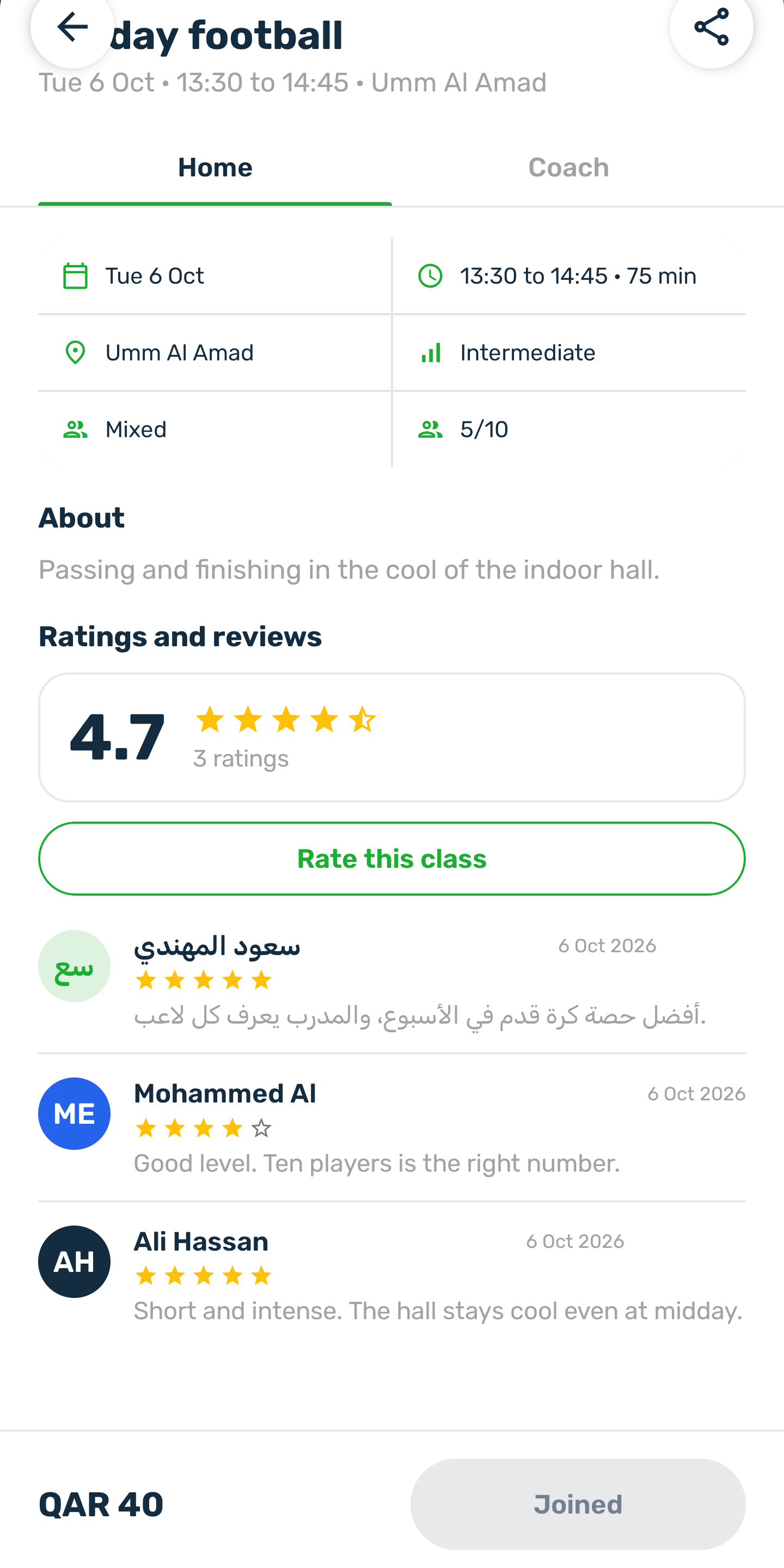
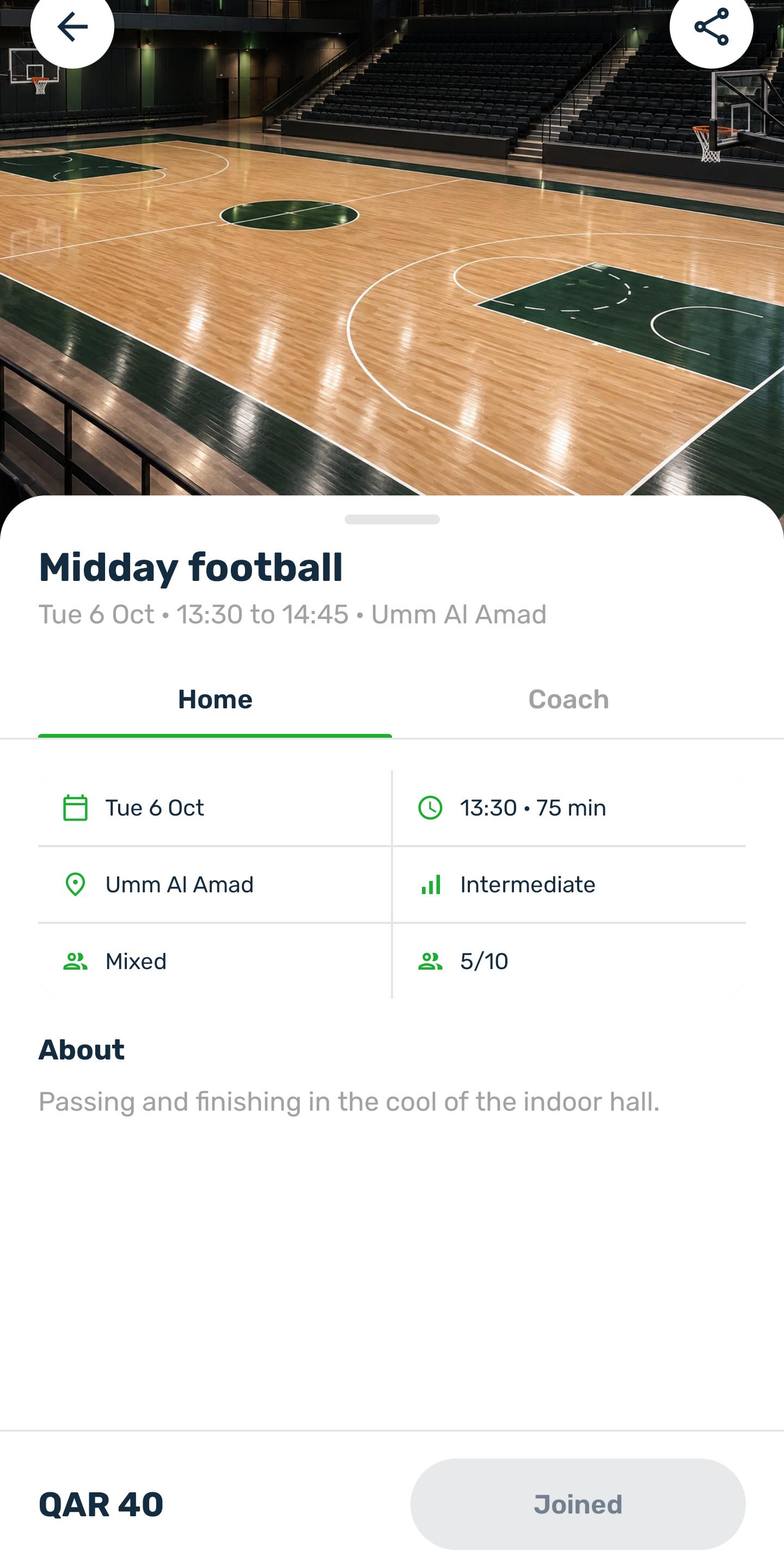
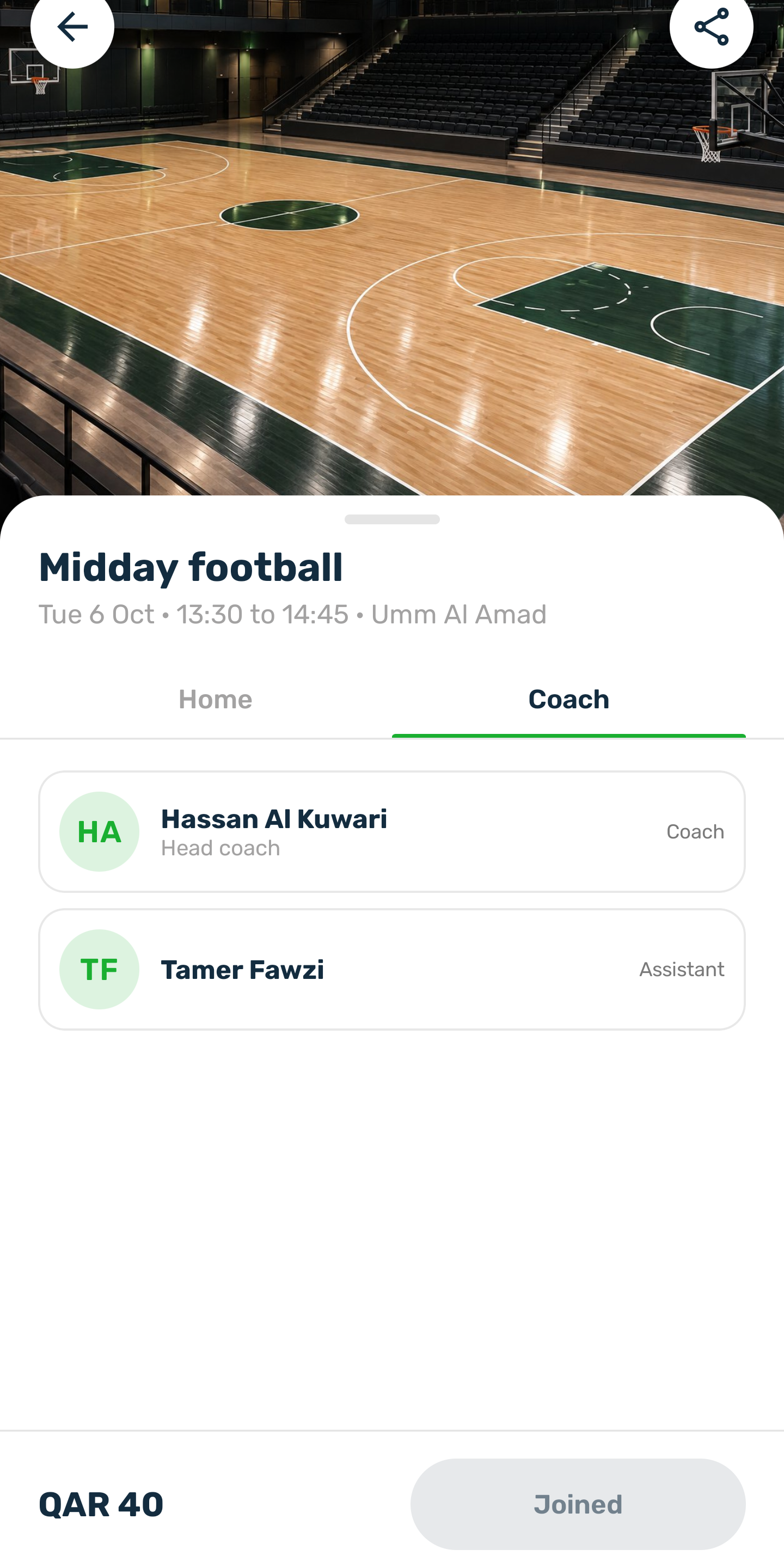
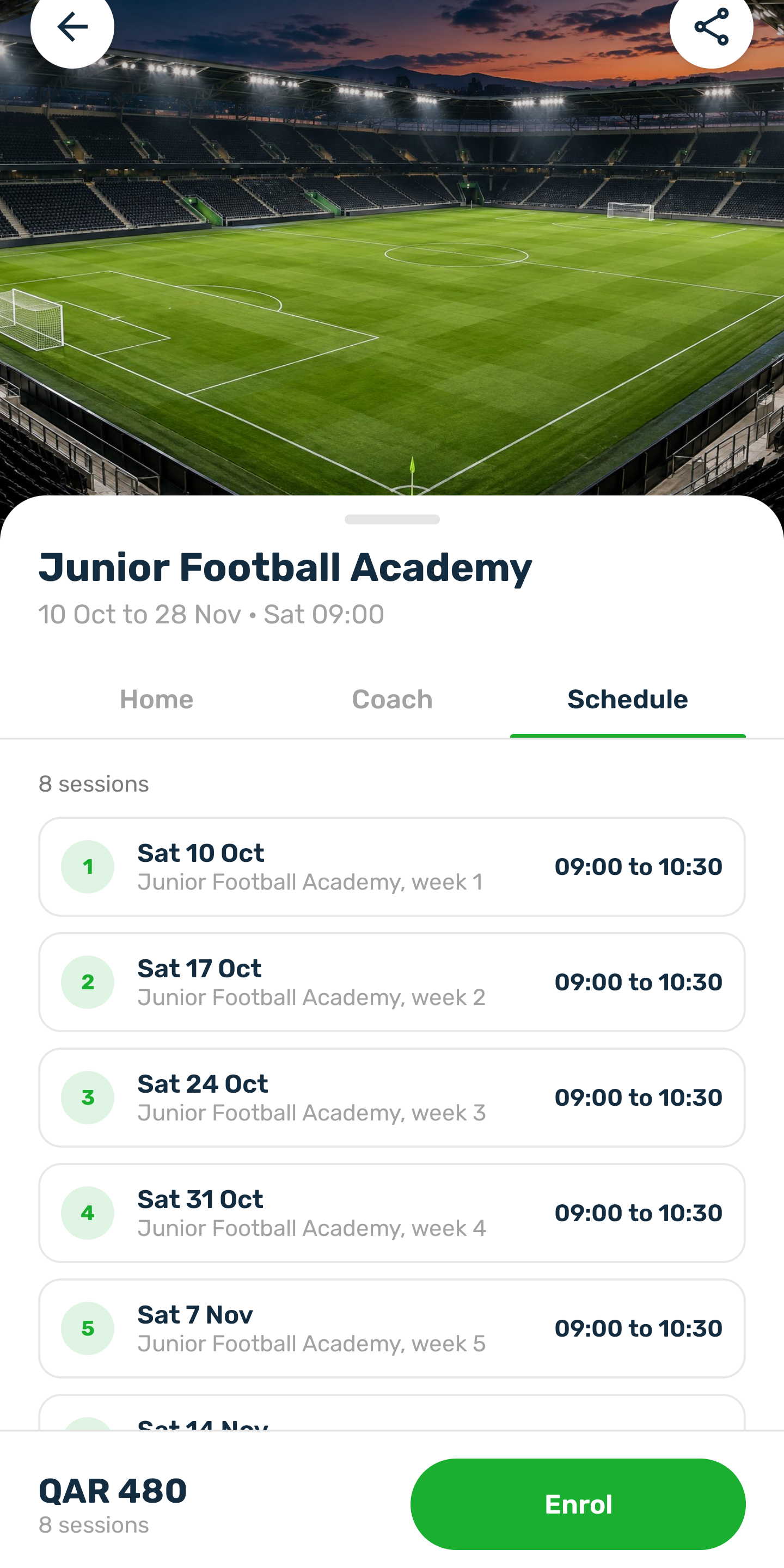
Tap a card to open it. The picture or video is at the top, then the name, the date and time and the venue, and these tabs:
- Home: the day, time, venue, level, who can join and the seats, then what it is about, what you will learn and the club's rules.
- Coach: the lead coach and any assistant. A coach the club keeps private shows the name only. Tap a coach to open their profile, see Coaches in the app.
- Schedule (courses only): every session of the course with its date and time.
Join and pay#
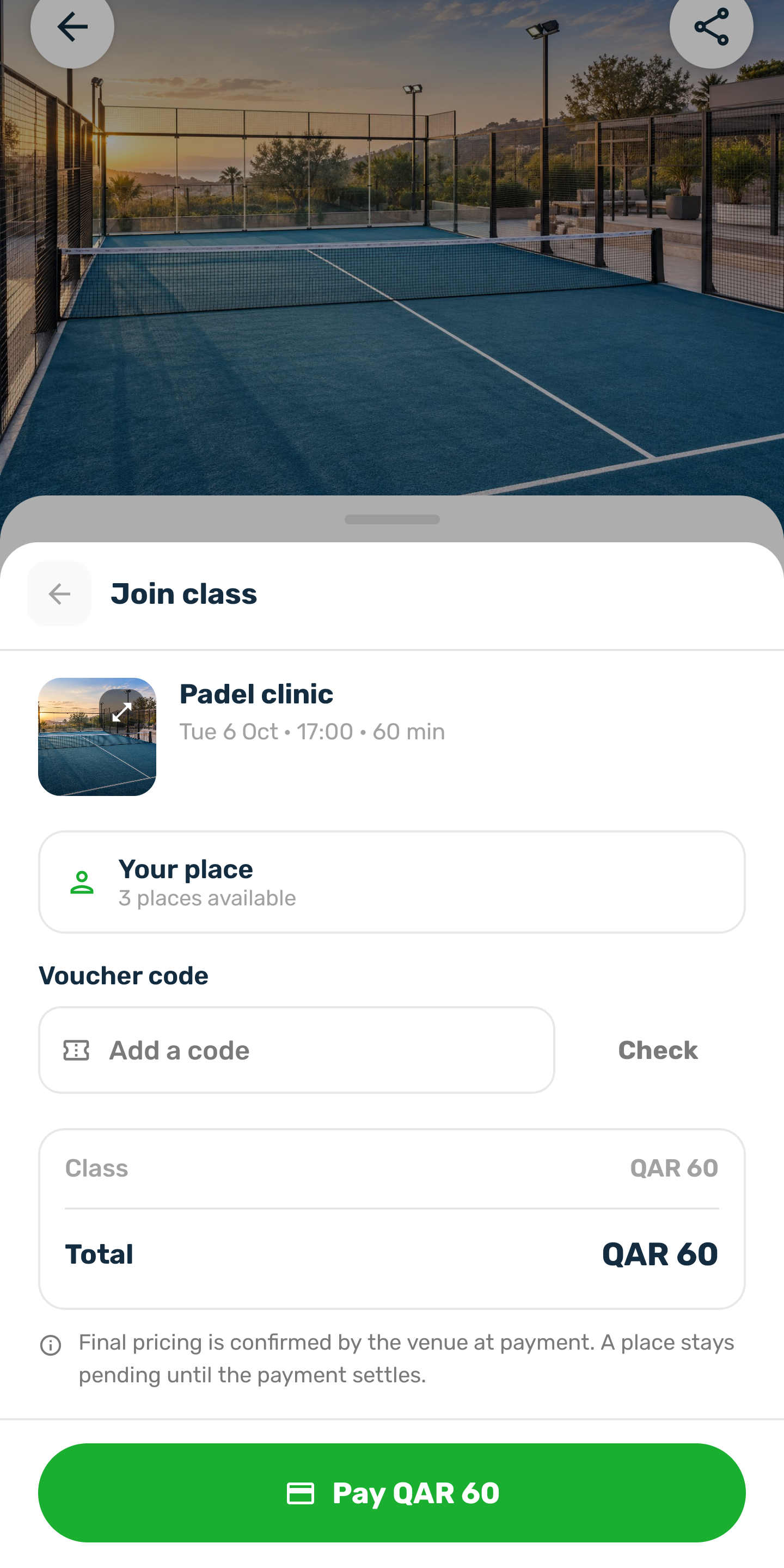
The price and the Join class (or Enrol) button stay at the bottom of the screen.
-
Join
Joining needs an account. A class that is full cannot be joined. -
Pay
Pay with your wallet or a payment method the club offers. Your place is yours once the payment goes through; until then the seat is not held. A free class is confirmed at once.
Your classes and courses then appear in your profile, on its Classes and Courses tabs.
How far ahead#
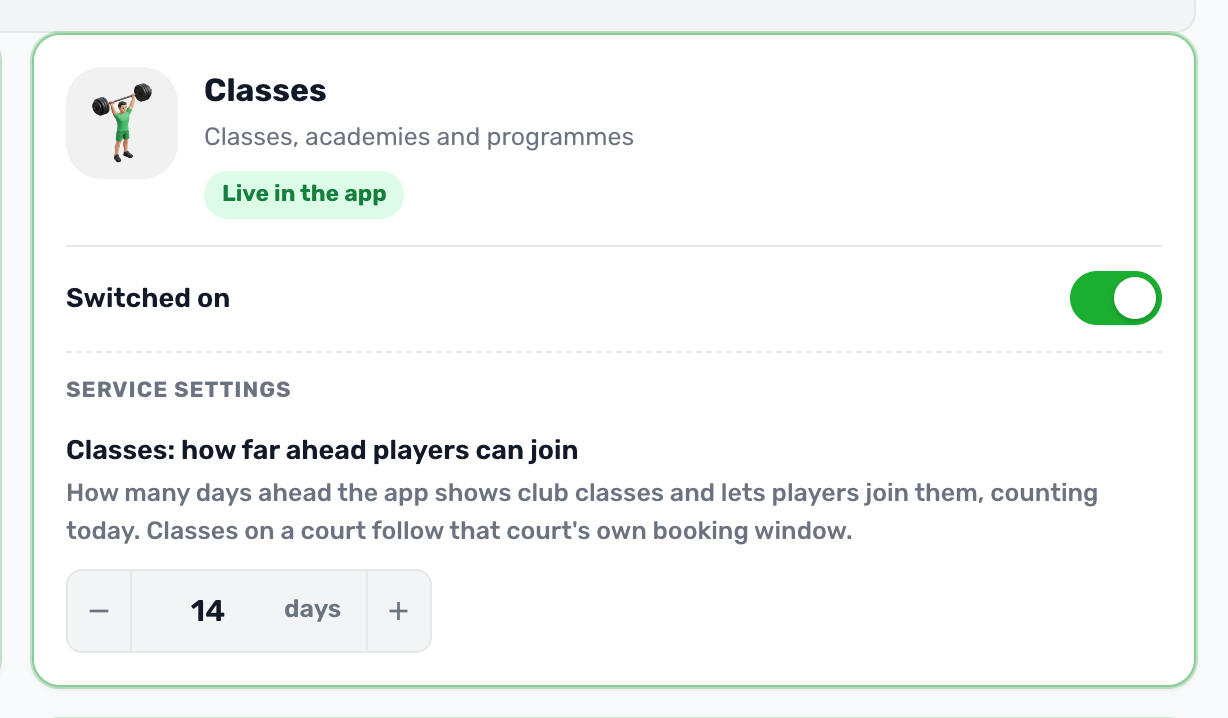
Players see and join club classes up to a number of days ahead, 14 unless the club changes it in Project settings → Services → Classes. The day strip covers exactly those days and a later class shows up once it is inside the window. A class on a court follows that court's own booking window, like a court booking.
Ratings#
Every class and course shows its rating on its Home tab, with the latest reviews. Only someone who took the class, or is enrolled on the course, can rate it; a rating can be changed or removed later.