

Cette page n’est pas encore traduite en français. Vous lisez la version anglaise.
Team match formats
Run a match for registered teams: the four formats, places and the price per team, linking and removing a team, the side captain and the team waiting list.
A match does not have to be a crowd of individuals. In the match editor you choose its format. A draft can still switch format, which rebuilds its sides. Once the match is published the format is fixed.
The formats#
| Format | Sides | Who takes them |
|---|---|---|
| Solo | Home and Away | Individual players, each on a spot of the pitch. Everything else in this space describes it. |
| Team vs team | Home and Away | One registered team on each side. Players cannot join on their own. |
| Team vs players | Two sides | A registered team on the first side, individual players on the second. |
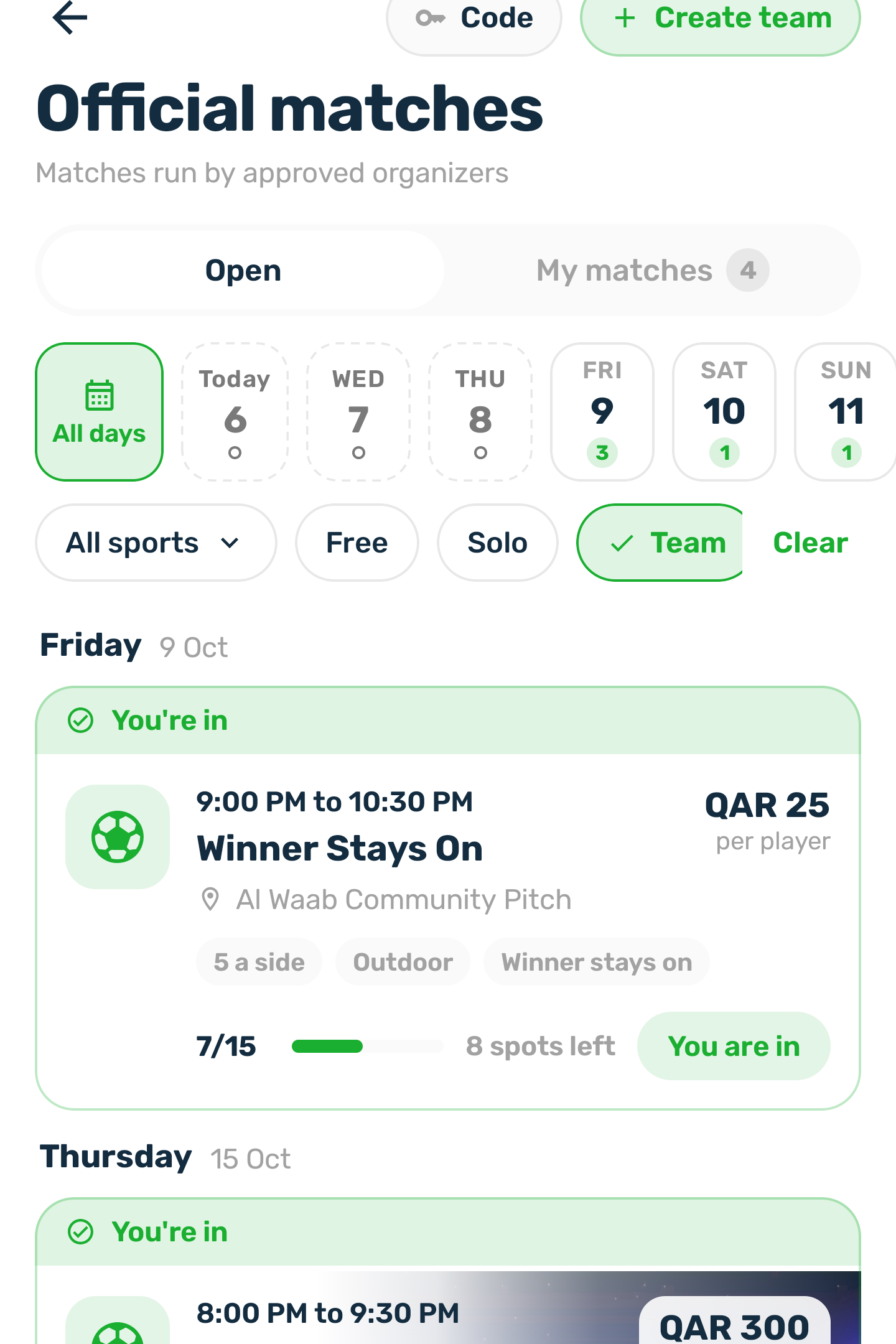
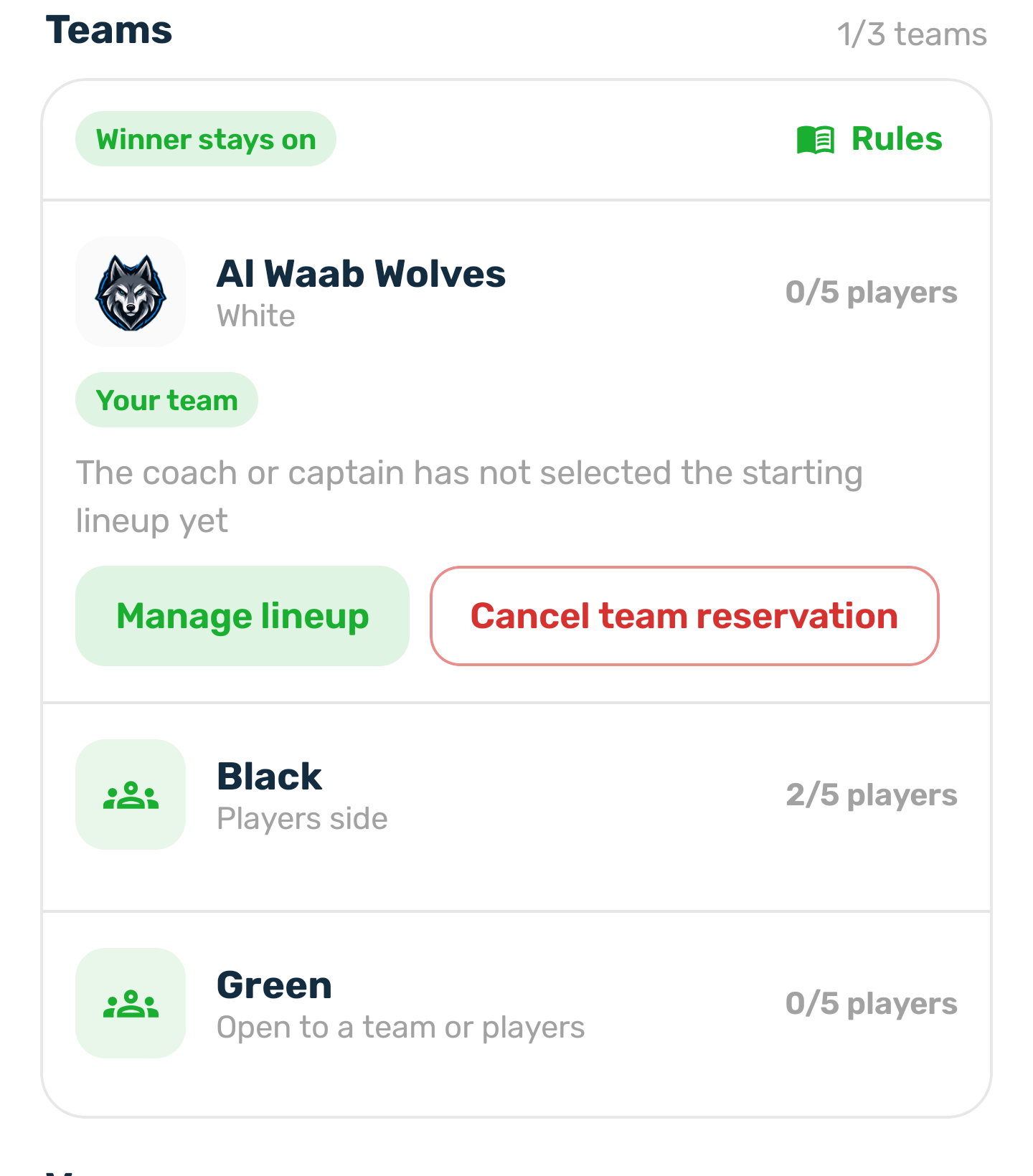
| Winner stays on | White, Black and Green | Each side is taken either by a team or by individual players. |
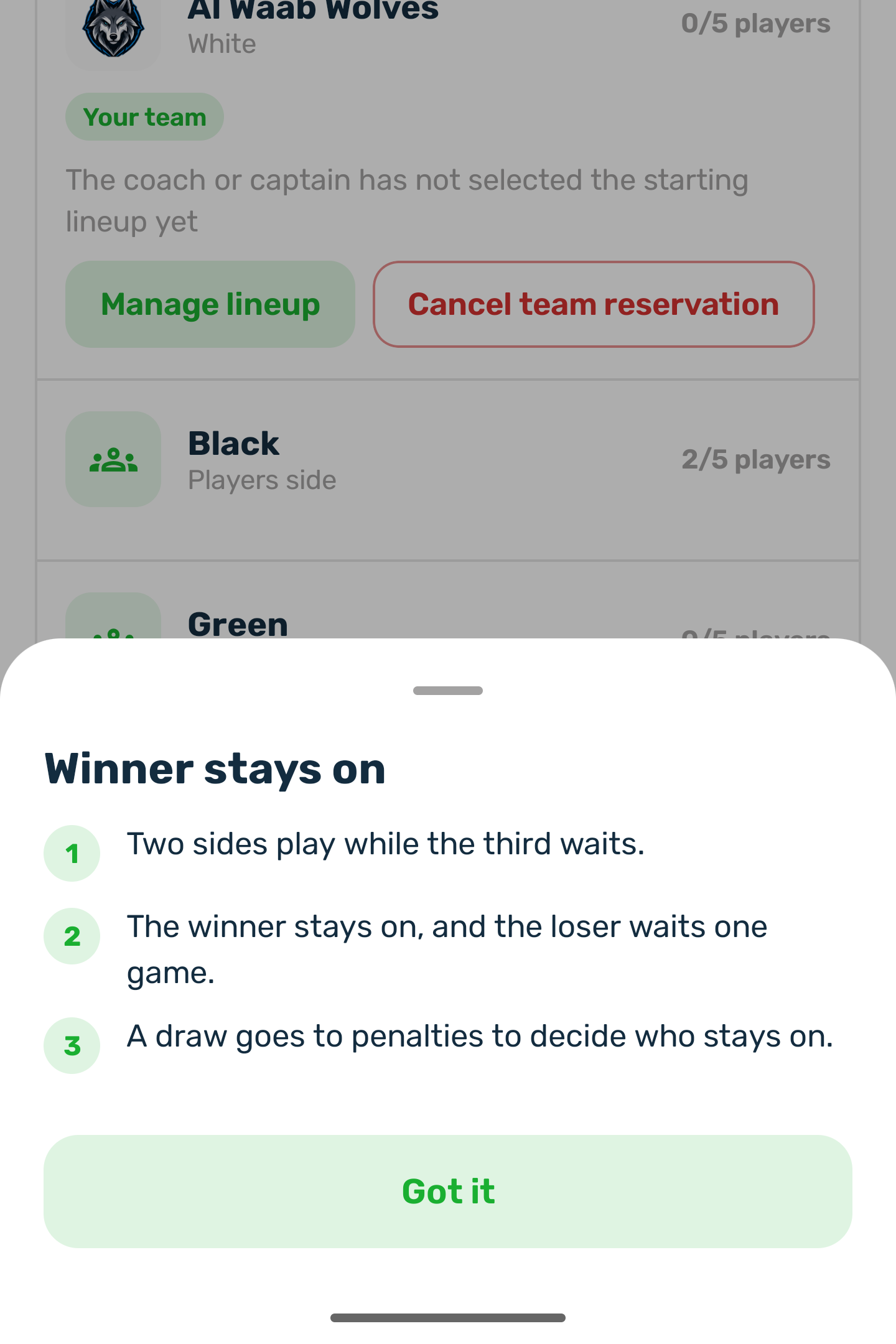
Winner stays on comes with its rules, shown to players: two sides play while the third waits, the winner stays on and the loser waits one game, and a draw goes to penalties to decide who stays on.
Places and price#
- Places split evenly between the sides, with at least 2 per side. For example 10 places in Team vs team gives 5 per side, and 15 places in Winner stays on gives 5 per side. A team's bench comes on top of its places.
- Team formats have no drawn pitch and no formation in the editor. Each team's managers pick their own lineup.
- Price per team is what a registered team pays once for its side. Left empty, a team pays the price per player once.
- Individual players on a side of Team vs players or Winner stays on pay the price per player.
- Players a team puts in its lineup pay nothing. The team's share covers them.
- Invitations are for solo matches only. In a team match, the team's managers choose who plays.
Publish#
When you publish a public team match, the managers of every team of that sport are told there is a match their team can enter. Teams then register themselves for a side, see Play as a team.
Name the sides#
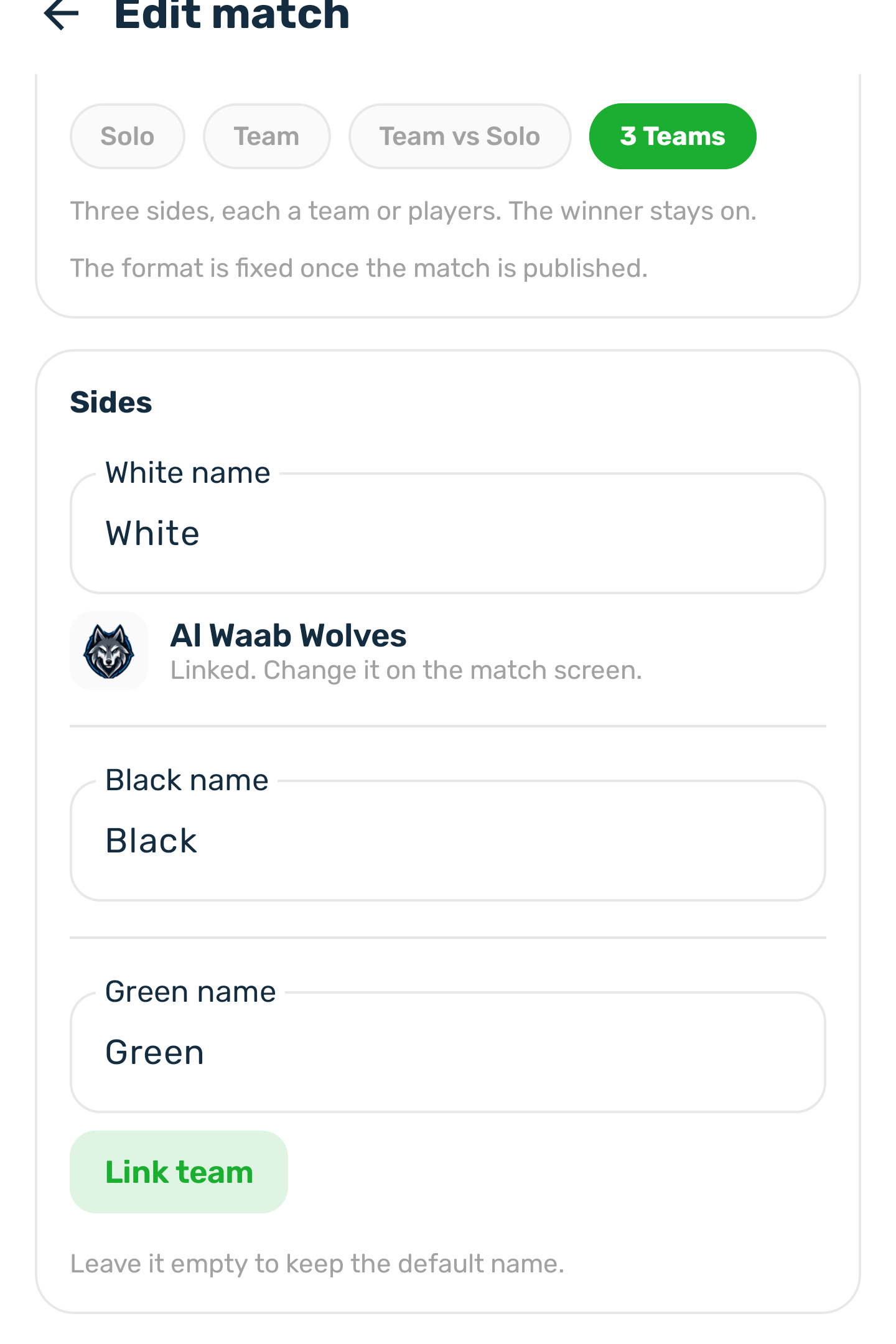
In a team format the editor shows a Sides block, one field per side. Type a name for the side, or leave it empty to keep the default name, such as Home or White. A side that already has a team shows it as linked; change that team on the match screen. A side with no team has Link team, which lists your teams of the match's sport. Save with Save changes. If a side cannot be saved, the reason shows under that side: it already has a team, it already has players, or the team plays another sport.
Link a team yourself#
You can also put a team on a side, for example a team that paid you directly. Before kick off, pick an empty side that takes a team and choose the team. It must play the match's sport and must not already be in the match.
- A team you link pays nothing in the app. Settle any money with the team directly.
- Its managers pick the lineup, and its members are told the team is in.
- You can unlink a side as long as nobody is on it yet.
Remove a team#
Before kick off you can take a team off its side, with an optional reason.
- Every place on that side is removed, and what the team paid in the app goes back to the wallet in full. The registration fee is never kept.
- The side is open again with its name kept, and the next team on the waiting list takes it.
- The team's players are told.
Removing the manager who holds a side from the roster does the same: the whole side is released.
The side captain#
You can name a captain for each side, shown with a C. Pick a player on that side: a starter, a bench player or an individual, never a manager who does not play. The captain is cleared when that player leaves, when the side is released, and when you finalize. It cannot be set after finalizing. This match captain has nothing to do with the captain role inside a team.
The team waiting list#
In Team vs team, once both sides are taken, another team can queue for the match when the waiting list has room. It pays its share like a place on the waiting list, and takes the first side that comes free. To put a waiting team on a free side ahead of the queue, use Give a place on it. Team vs players and Winner stays on have no team queue.
Results#
You enter a score for every side. With three sides you also enter what each side conceded. See Results, finalizing and the leaderboard.