

Cette page n’est pas encore traduite en français. Vous lisez la version anglaise.
What players see
The chat bubble on Home, the assistant screen, the menu, the three ways out, and guests compared with signed in players.
On Home#
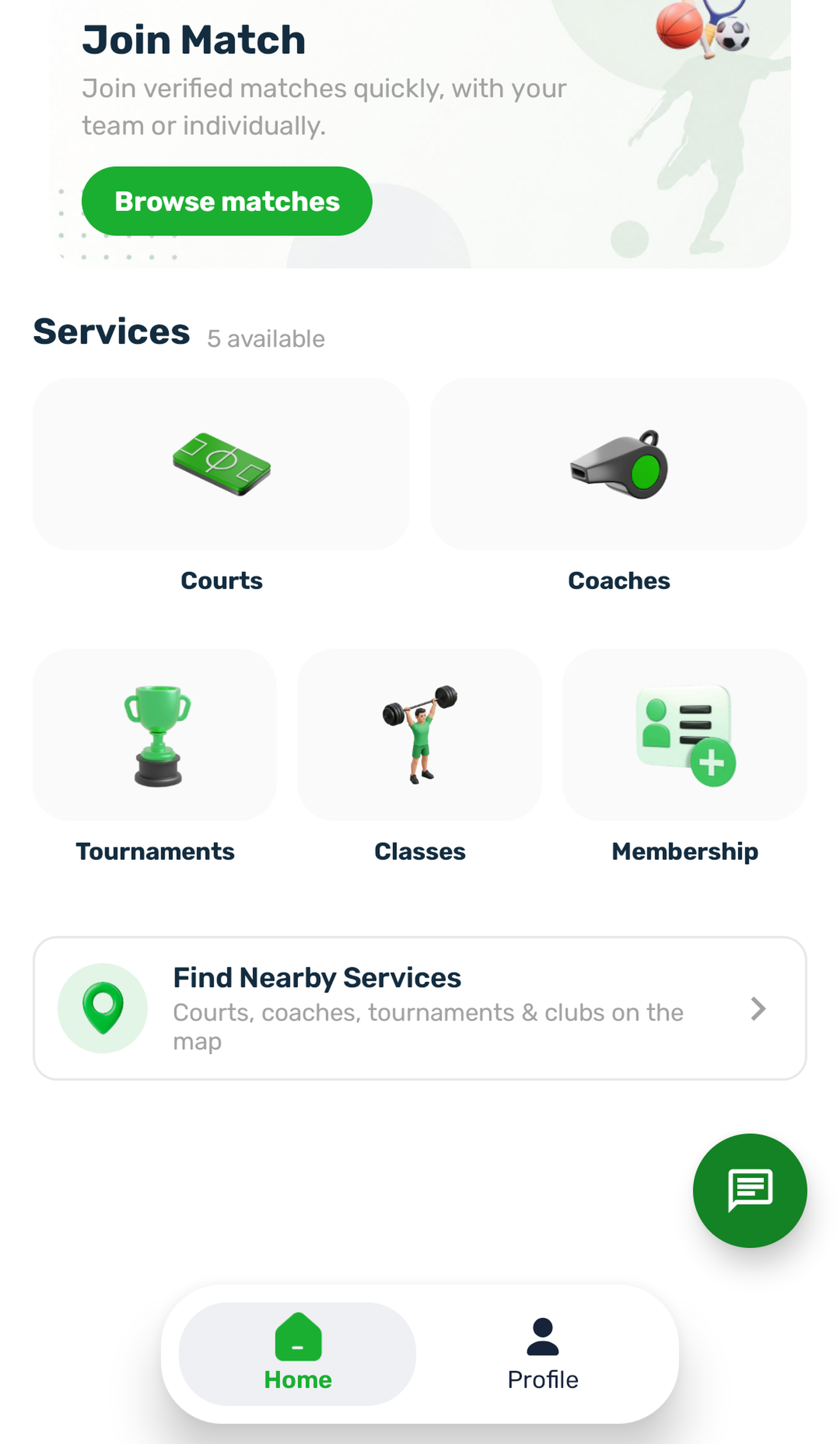
While the assistant is on, players open it with a round chat bubble on Home. It starts at the bottom right, or the bottom left in Arabic. Players can drag it anywhere between the top bar and the bottom bar. When they let go, it moves to the nearer side of the screen, and the app keeps it there, even after the app is closed. A tap opens the assistant. Screen readers announce it as Open followed by the assistant's name.
When the club turns the assistant off, the bubble leaves Home.
The assistant screen#
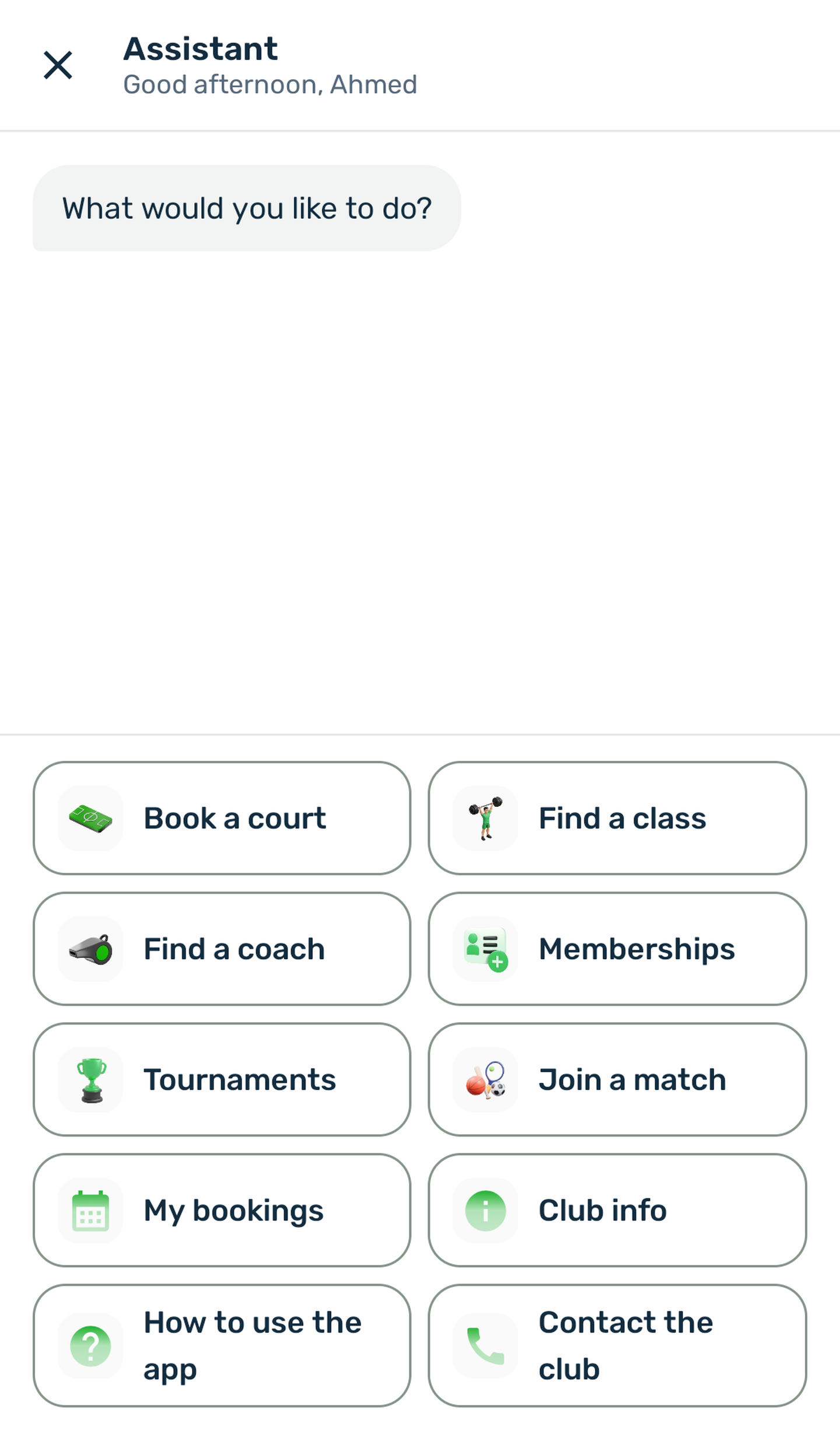
The top of the screen has a close button (X), the title Assistant and, under it, a greeting by the time of day at your club with the player's first name:
| Club time | Signed in | Guest |
|---|---|---|
| Before 12:00 | Good morning, Rayan | Good morning |
| 12:00 to 17:00 | Good afternoon, Rayan | Good afternoon |
| From 17:00 | Good evening, Rayan | Good evening |
The first message is your greeting. Below it, the options sit at the bottom of the screen as cards in two columns, in the order of the portal page. When there is an odd number of options, the last card takes the whole width.
Each tap shows as the player's own message, and the assistant answers with the next question or with results. Results are cards with a button that opens the right screen of the app. Under results that lead to a payment, a line says You confirm and pay on the next screen., or You confirm and pay on the booking screen. for courts.
Back, Start over and Close#
| Control | Where | What it does |
|---|---|---|
| Back | The last options at the bottom, on every step after the menu | Returns to the previous question with its options. From results it returns to the last question of that path. After a Club info answer it returns to What would you like to know? |
| Start over | Beside Back | Clears the conversation and shows the menu again. |
| Close (X) | Top of the screen | Leaves the assistant and returns to Home. |
Nothing is kept: the next visit starts from the menu.
Guests and signed in players#
| Guest | Signed in player | |
|---|---|---|
| Greeting at the top | Without a name | With the first name |
| Your greeting with {first_name} | The name and the space before it are left out | The first name is filled in |
| Search, results, club info, guides | All available | All available |
| My bookings | Sign in to see your bookings. with a Sign in button | The next bookings |
| Booking or paying | The app asks them to sign in on the next screen, as it always does | As usual |
Waiting, errors and switching off#
- While the assistant looks something up, it shows three dots and a short line such as Checking padel courts for Sunday. Back and Start over still work and stop the search.
- Without a connection, it says, for example, We could not load the courts. Check your connection and try again. with a Try again button.
- If the club turns the assistant off while a player has it open, the next step says The assistant is not available. with Back to Home.